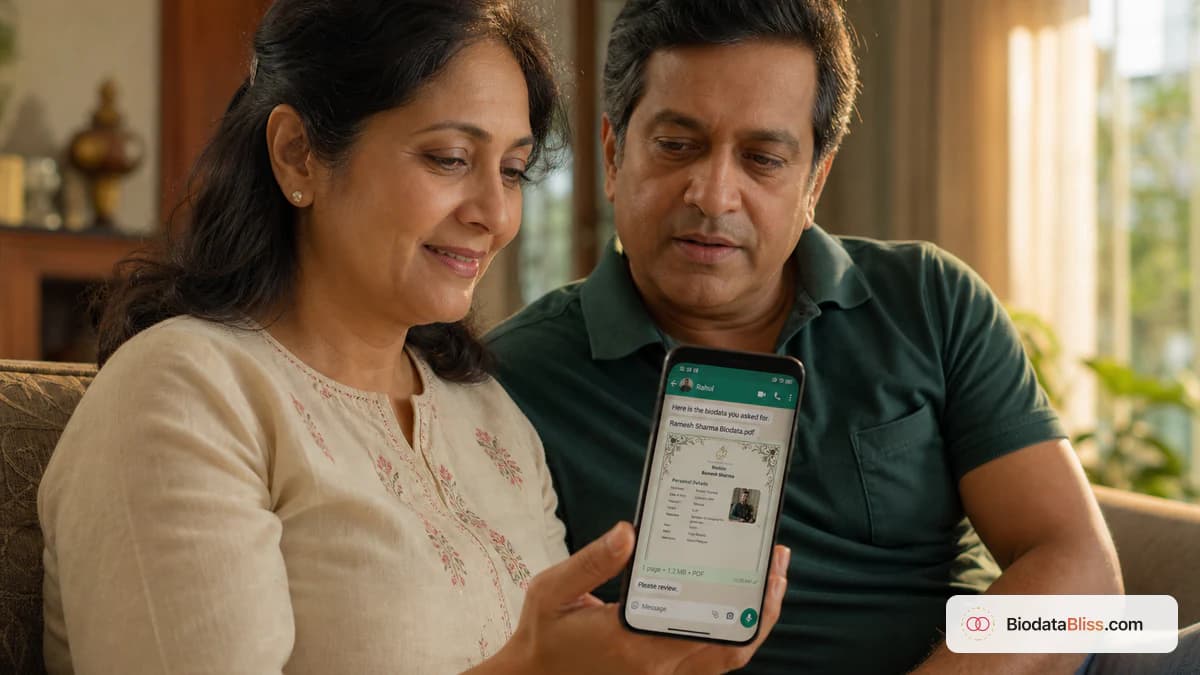
Most families meet your biodata on a six-inch screen first. If they pinch-zoom to find your job title, you already lost the room.
Boy vs girl marriage biodata design is not about pink versus blue frames. It is about what elders ask in the first ten seconds on WhatsApp. Most Indian families now open a marriage biodata on a phone, not on paper — so your PDF needs clear sections, readable fonts, and one page. Groom profiles emphasise career and stability; bride profiles emphasise education, personality, and fit. This 5–6 minute guide covers both, then a free PDF path on BiodataBliss. For field checklists, see our marriage biodata format for boy and marriage biodata format for girl guides.
The problem: print layouts that fail on WhatsApp
Someone opens Word, pastes a heavy border, and shrinks the photo. By evening, three cousins have three drafts. On a laptop it looks fine. On WhatsApp it becomes a blurry image or a two-page PDF nobody finishes.
Arranged-marriage introductions still often begin with a short family document — see Wikipedia’s overview of arranged marriage in the Indian subcontinent. The first reader is usually a parent scrolling in a cab. You do not need two totally different formats for boy and girl — you need one mobile-first skeleton with different emphasis, sent as a clean Document.
- Multi-page PDFs lose attention after the first swipe
- Tiny 10pt fonts force pinch-zoom
- Image attachments get compressed; text turns soft
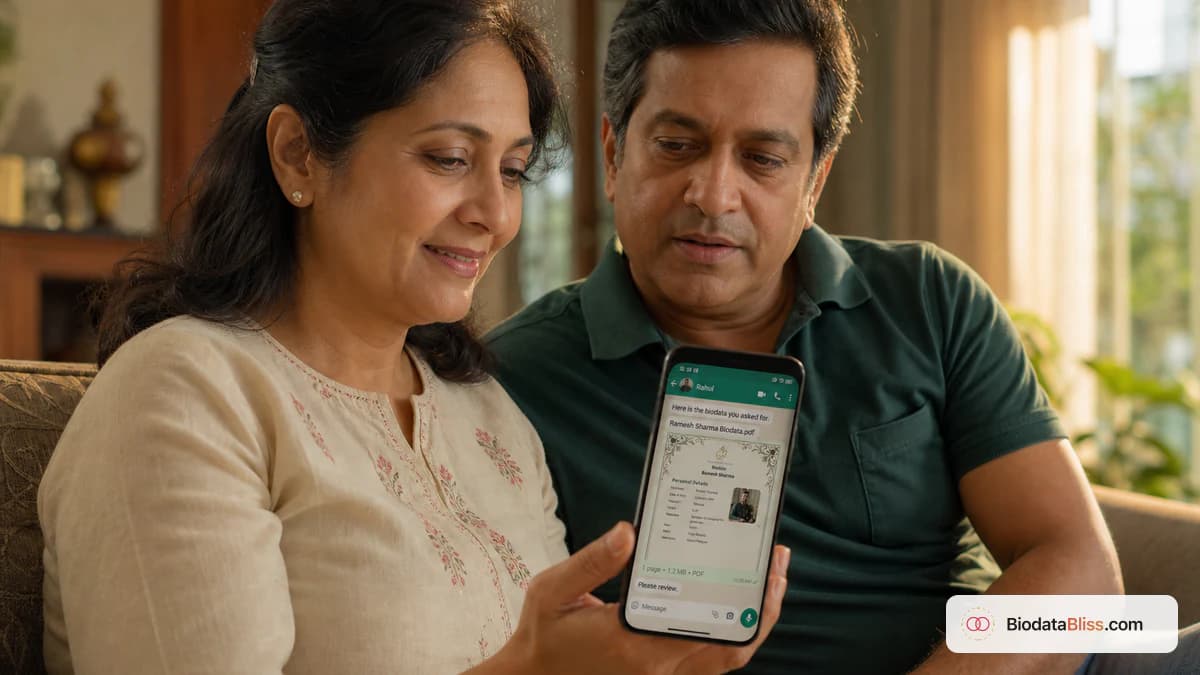
What “mobile-first for WhatsApp” really means
A WhatsApp-first biodata is built for phone scanning, not a print shop. Use these rules for both boy and girl profiles.
- One-page PDF only — keep must-know facts on the first screen
- Larger fonts — roughly 12–14pt body; bold headings like Education and Family
- Single-column layout — avoid dense two-column tables
- Strong hero block — name, photo, age, location, one-line summary
- Send as Document, not image — PDF stays sharp (Adobe’s PDF overview explains why layout holds across phones)
Scan first on WhatsApp; print the same file later if elders want paper.
Boy (groom) biodata: design priorities for WhatsApp
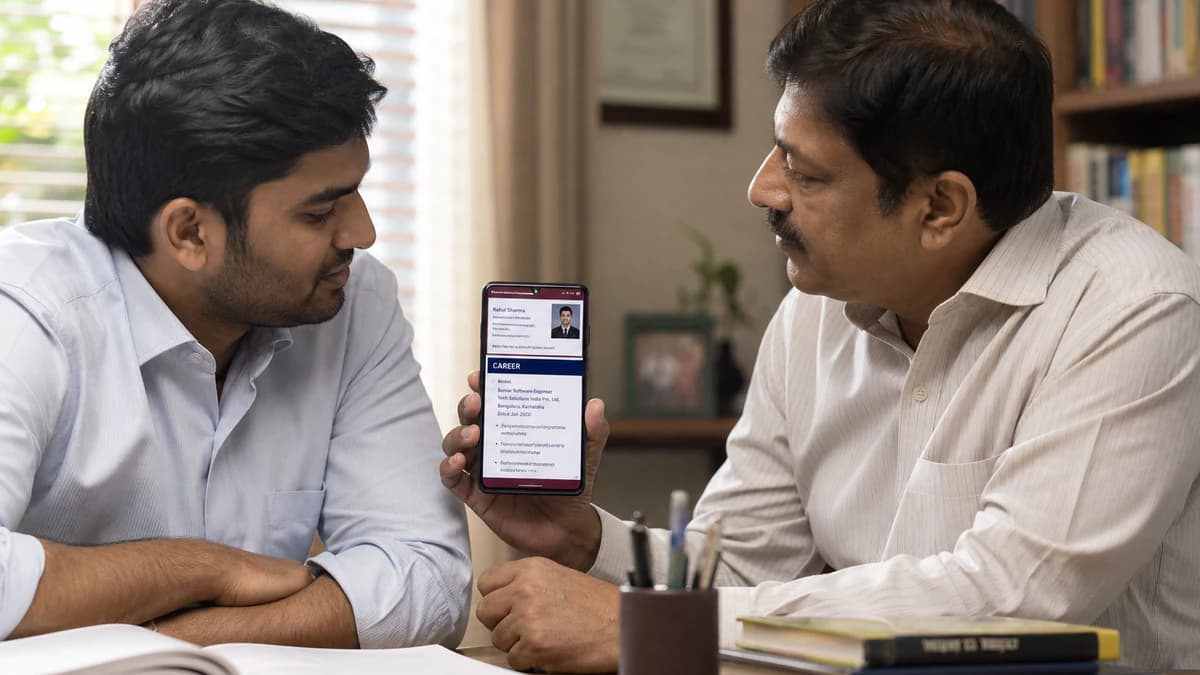
For a groom, families ask: “Is he stable and well-settled?” Answer that in the first ten seconds — before hobbies. Place job title, company, and education where the thumb stops. Prefer navy, maroon, or charcoal with simple lines; heavy ornate frames blur in WhatsApp previews.
- Career near the top — e.g. Senior Software Engineer, TCS, ₹18 LPA
- Compact education line under the hero — degree, college, specialisation
- Horoscope and family as a short list — four to six crisp lines
- Minimal formal tone — Soft Sky or Rose Clean often beat thick ceremonial borders on mobile
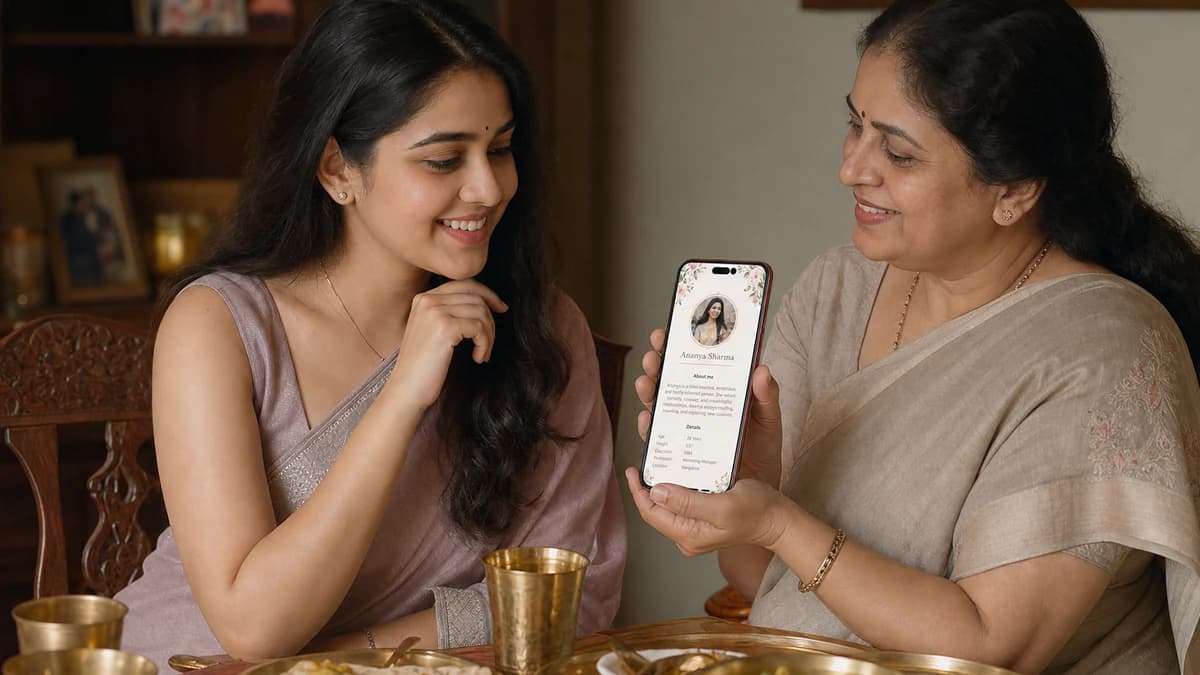
Girl (bride) biodata: design priorities for WhatsApp
For a bride, families ask: “What is she like, and how will she fit in?” Highlight education, values, and personality on a phone-sized page. Add a short About me (about 60–100 words) and a clear solo photo near the top. Soft floral accents are fine if they stay thin — see our marriage biodata photo rules guide before you upload.
- Education & work in two or three lines — including whether she plans to work after marriage
- Short story block — lifestyle and values; short paragraphs beat bullet walls
- High-quality photo near the top — well-lit, solo, plain background
- Soft but mobile-friendly accents — skip heavy borders that smear after compression
Side-by-side: how groom and bride designs differ
Same mobile-first rules; different visual emphasis. Use this checklist when you customise a template on BiodataBliss.
- Top focus — Boy: career, education, income · Girl: education, personality, values, photo
- Key blocks — Boy: career snapshot · Girl: story block, photo, soft accents
- Horoscope — compact for both; slightly more visible on bride drafts if kundali matters
- Tone — Boy: formal, stronger colours · Girl: softer floral or traditional touches
- Question answered — Boy: “Is he settled?” · Girl: “How will she fit in?”
Benefits of a mobile-first approach
Phone-first design ends border arguments and starts fact agreement. Relatives open one Document. Elders find contact without calling back. You still print A4 later if needed — and you get fewer “please resend” messages.
- Faster first impression in family groups
- Gender-aware emphasis without a second format
- One master PDF you can update when the job or city changes
- Free preview on BiodataBliss before anyone forwards
Step-by-step: create yours on BiodataBliss
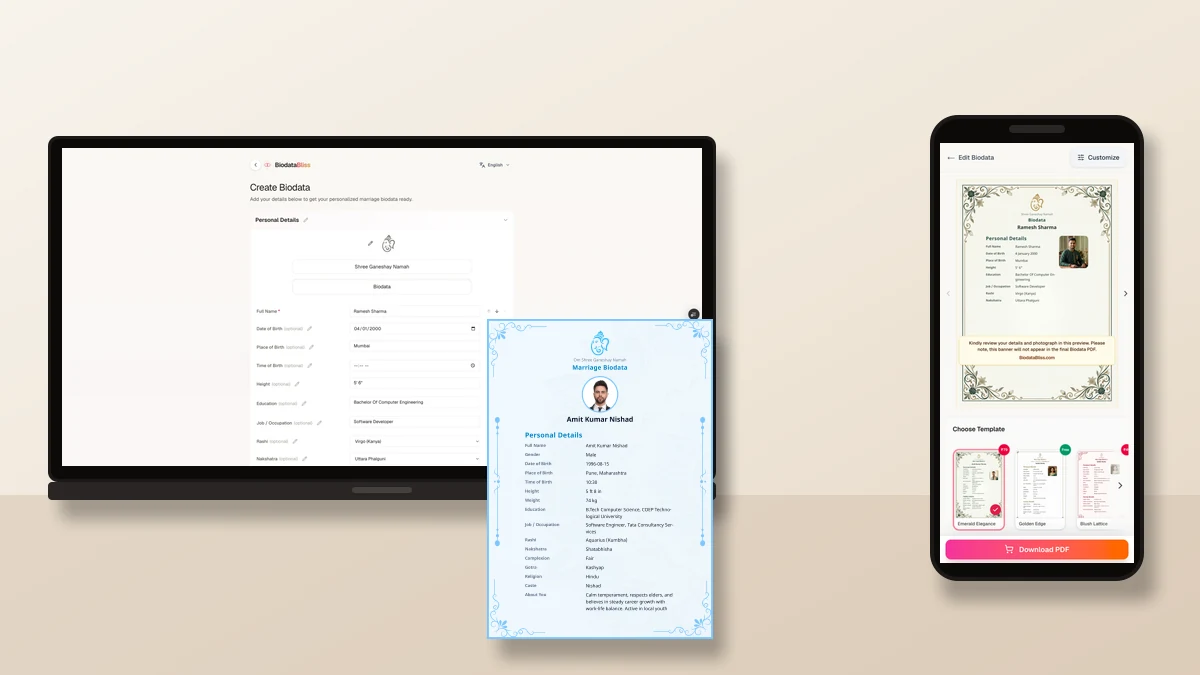
No Canva required. Fill once, swap templates, keep one phone number everywhere.
- 1. Visit biodatabliss.com → Create Biodata
- 2. Pick a WhatsApp-friendly template (Soft Sky, Rose Clean, or a soft floral)
- 3. Enter details — career higher for groom drafts; short About me for bride drafts
- 4. Upload a recent solo photo
- 5. Preview on your phone at normal zoom
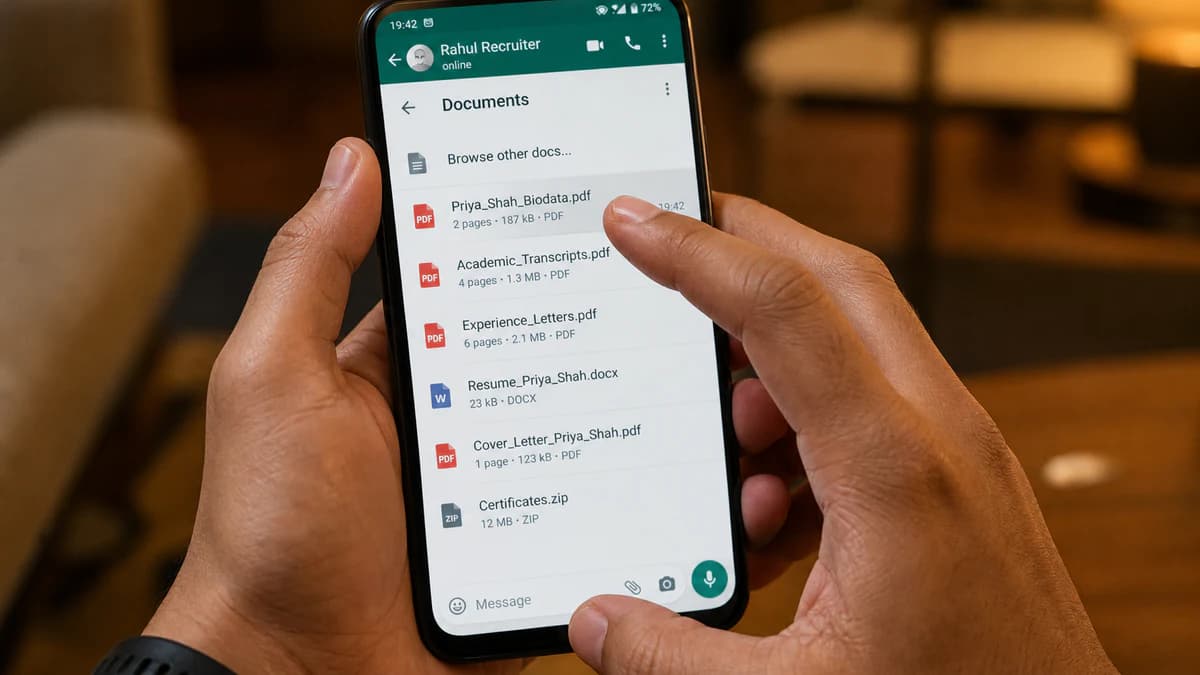
- 6. Download the free one-page PDF and send as a WhatsApp Document
Tips, mistakes, and a quick comparison
Always send PDF as Document — not a screenshot. Preview on your phone; use a clear file name like Rohit_Sharma_Biodata.pdf; add a short message with city and a polite invite for questions. Keep one master file.
Common mistakes: JPG forwards, two-page tiny fonts, hobbies above a groom’s job title, missing bride photo, ornate frames that muddy on mobile, and three “final” PDFs with different numbers.
- Word / Canva from scratch — hours; uneven on mobile
- Random DOC download — fast but hard to tune boy vs girl emphasis
- Image of a printed page — compressed; weak for groups
- BiodataBliss mobile-first templates — minutes; one-page PDF; free preview path
Browse marriage biodata templates on BiodataBliss to compare clean vs soft frames with the same details.
Summary
Boy vs girl marriage biodata for WhatsApp is a design problem, not a colour problem. Keep one page, large type, and a strong hero block. Lead with career for grooms and with education, story, and photo for brides. Send a free PDF as a Document — then print the same file if parents want paper.
Create yours on Create Biodata or compare layouts on Templates before the next family forward.
Ready for a phone-first PDF? Create your free marriage biodata on BiodataBliss, preview on your phone, and share a clean WhatsApp Document.
Create Biodatahttps://biodatabliss.com/create-biodata (opens in a new tab)