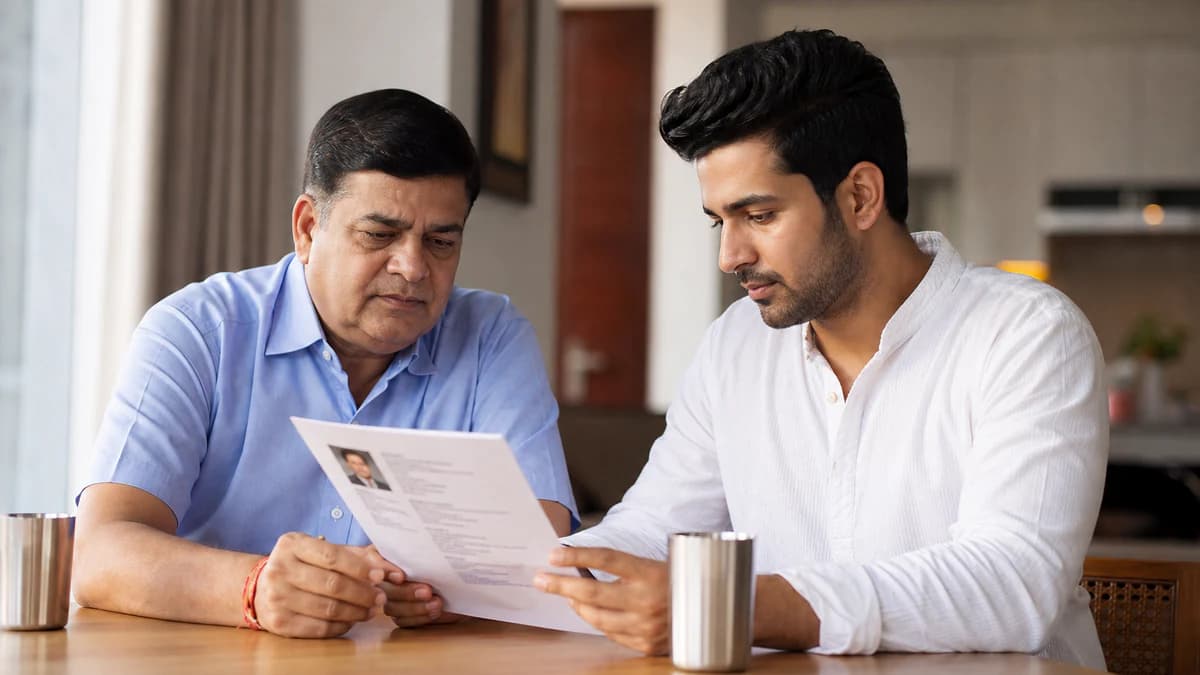
An Agarwal marriage biodata format works when it feels like a calm samaj introduction — accurate facts, restrained tone, and one PDF relatives can forward without a follow-up quiz.
If you are searching for an Agarwal marriage biodata format, you are usually not hunting for fancy design tricks. You want a one-page PDF that Agarwal (or Aggarwal) families can skim on WhatsApp, print for a mahasabha list, or hand to an aunt who still prefers paper. Lead with personal basics, education, profession or business line, family context, a recent photo, and a parent contact. Add gotra, community spelling, or a short vegetarian note only when your elders already exchange those lines. This guide shows what to write, what to leave out, and how to create a free PDF on BiodataBliss — with Hindi form labels available from the language switcher.
What an Agarwal marriage biodata is for
Think of the biodata as a respectful first hello between families — not a LinkedIn export and not a property brochure. Relatives want to know who you are, where you live, what you studied, how you earn (job or business), who your parents are, and how to reach someone who answers the phone.
When those answers are clear, introductions move faster. When the page is a pasted resume, a childhood photo, or three conflicting drafts in one family group, even a strong profile stalls.
- One scannable page for WhatsApp and print
- Facts first: age, height, city, education, work or business
- Family context without a wealth pitch
- Optional gotra / community / dietary lines only if expected
- One agreed PDF — delete older drafts from the chat
Core fields for an Agarwal marriage biodata format
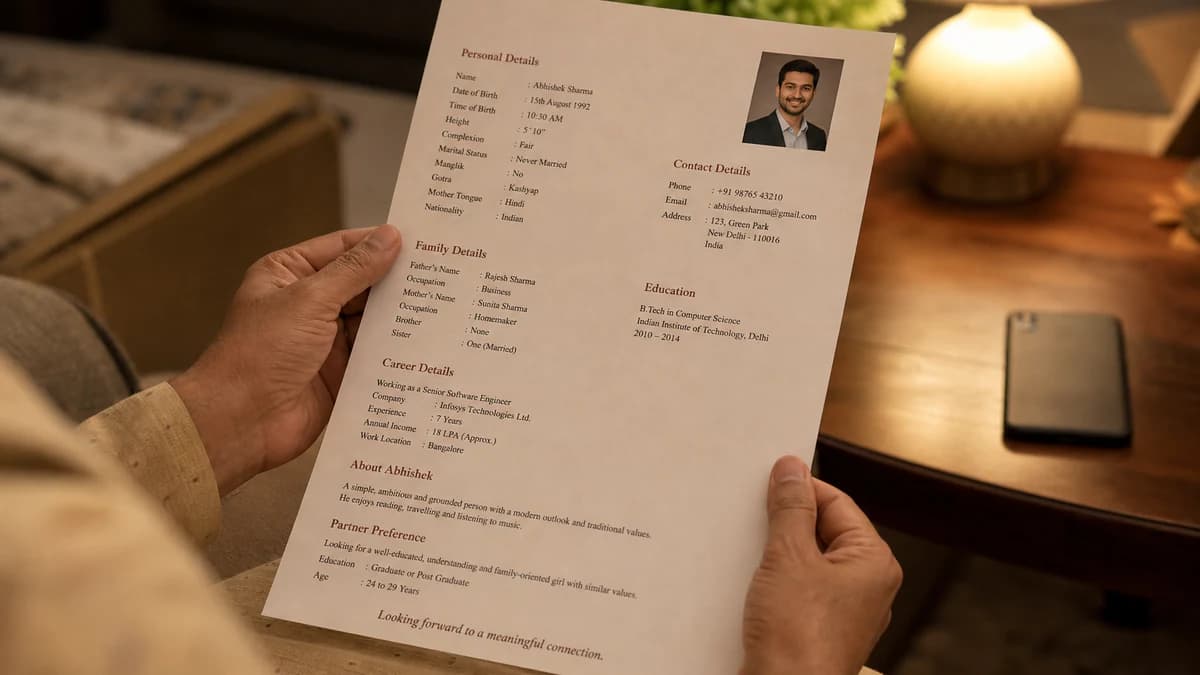
Start with name, date of birth (or age), height, current city, and native place if it differs from where you live now. Education should fit one plain line — degree and field, not a semester-by-semester story.
Career or family business needs everyday language: role and company, or a short business line your parents would say aloud. Skip exact CTC, payslips, and long project lists on page one.
- Personal: name, DOB/age, height, city, native place if needed
- Education in one readable line
- Profession or business in plain words (no resume jargon)
- Family: parents’ names and occupations, siblings, calm living setup
- Photo: recent solo portrait; Contact: parent-first for first forwards
Empty optional fields beat invented ones. If you are unsure about a community detail, ask parents before typing.
Gotra, community spelling, and vegetarian notes
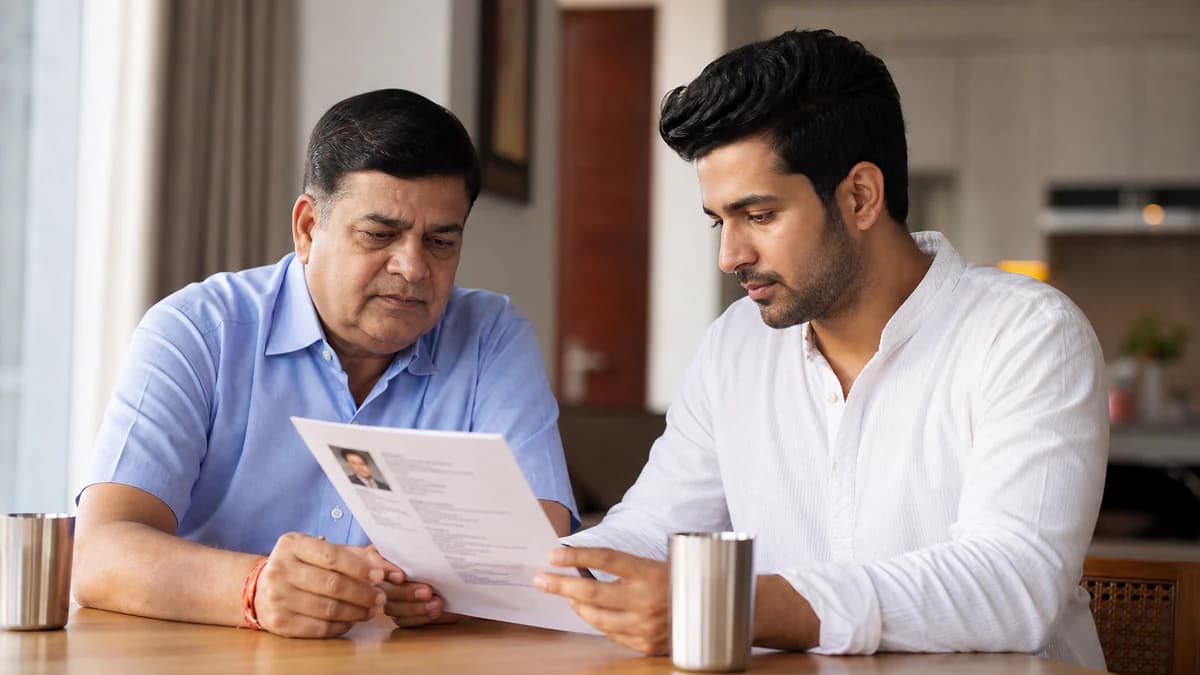
Many Agarwal circles exchange gotra early for matching conversations. Others discuss it only after the first call. Follow your family’s habit — do not invent a gotra line to make the page look “complete.”
Use the Agarwal / Aggarwal spelling already on invitations and documents. Consistency builds trust faster than arguing which romanisation is “correct.” A brief vegetarian or dietary line is enough when it helps align expectations; the biodata is not a ritual manual.
- Gotra: only if elders already share it — verify spelling with parents
- Community line: match your family’s Agarwal/Aggarwal usage
- Dietary note: one short line when useful, not a lifestyle essay
- Horoscope extras (rashi/nakshatra): only when your circle asks early
- Never copy ceremonial details from a random PDF template online
Wrong gotra spelling hurts more than a blank optional field.
Biodata vs job resume (quick comparison)
Families can smell a pasted resume in seconds. A marriage biodata answers family-matching questions; a resume answers hiring questions. Keep both documents separate.
- Biodata: height, parents, siblings, city, optional gotra, photo, parent contact
- Resume: skills, projects, tools, achievements, metrics
- Biodata tone: calm and readable aloud to elders
- Resume tone: achievement-heavy and keyword-dense
- On page one of biodata: never dump CTC tables or property lists
Photo and contact rules that protect first impressions
Use a recent solo portrait — neat formal or traditional wear, plain background, clear face. Group shots, heavy filters, and decade-old college photos make relatives ask follow-up questions you do not want on day one.
For first WhatsApp forwards in parent-led searches, prefer a parent or family number that is answered in the daytime. Candidate numbers can come later once both sides are comfortable.
- Recent solo photo, face clearly visible
- No sunglasses, no collage frames, no heavy beauty filters
- Parent contact for early introductions when parents lead
- Soft partner preferences only — no harsh filters on page one
Create a free Agarwal biodata on BiodataBliss
Open BiodataBliss, switch to Hindi if parents prefer Hindi form labels, then start Create Biodata. Fill Basics → Family → Contact → Photo, preview a template on your phone, and download a free PDF when everyone agrees on the wording.
You can also begin from the dedicated Agarwal format landing if you want a community-focused entry path, then browse templates until the layout feels right for elder meetings or WhatsApp-first sharing.
- 1. Visit biodatabliss.com or /agarwal-marriage-biodata-format
- 2. Switch language to Hindi if needed
- 3. Enter details once and upload a clear photo
- 4. Preview Sage Royale, Ivory Heirloom, Rose Clean, or Soft Sky
- 5. Download one final PDF and retire older drafts
Preview and share without draft chaos
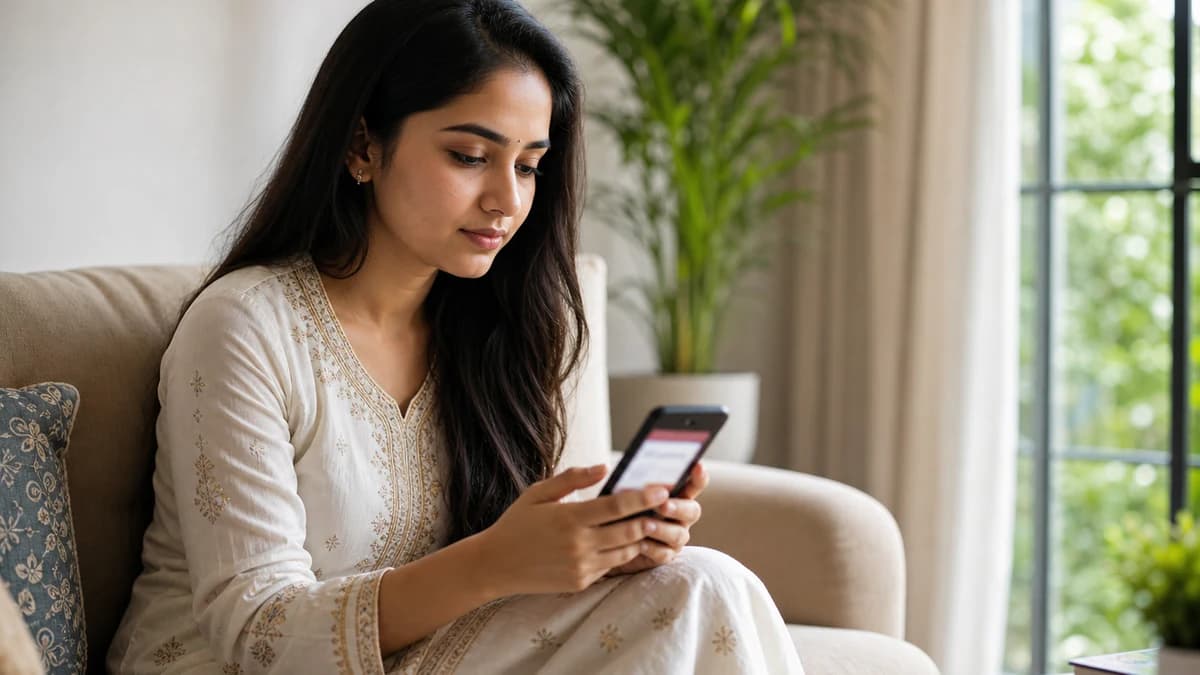
Ask a parent to open the PDF on their phone. If they can find age, education, job or business line, city, gotra (if used), and a reachable number in under a minute, you are ready to share.
Name the file clearly, keep one master version, and update after a job change, city move, or new photo. Relatives should never have to ask which PDF is “the real one.”
- Prefer a real PDF — not a blurry screenshot
- One master file in the family chat
- Re-download after material changes
- Print once for elders who still prefer paper
Common Agarwal biodata mistakes to skip
Most weak Agarwal biodatas fail for the same handful of reasons. Fix these before you worry about decorative borders.
- Pasting a full job resume into the biodata
- Missing height, city, or education while adding long extras
- Wrong or guessed gotra spelling
- Childhood photos or heavy filters
- Exact CTC, payslips, or property brochures on page one
- Three conflicting drafts circulating in one WhatsApp group
Final tip
Keep your Agarwal marriage biodata format short, honest, and easy to read aloud. When the facts, gotra (if needed), photo, and contact feel right, create a free PDF on BiodataBliss and share only that version with relatives.
Start on Create Biodata, then compare designs on Templates before you download.
Create your free Agarwal marriage biodata now — fill the guided form, preview on mobile, and download a clear PDF in minutes.
Create Biodatahttps://biodatabliss.com/create-biodata (opens in a new tab)